Ledgerline covers the practical work of buying enterprise AI: choosing a platform, comparing what the quote includes and deciding who will keep it running. Last updated:
Consider Gemini Enterprise for an employee search and assistant program built around Google’s editions, projects and access rules. Be precise about which parts you need: the employee app and developer platform are separate purchases.8,2,5This is our reading of the cited material for a buyer with this need. We have not measured the product’s performance.
Best for
Teams buying an employee knowledge interface, with a clearly defined need for any custom agents.
Avoid when
The proposal groups the employee app and developer platform together without explaining what you are buying.
What Google offers enterprise teams with Gemini Enterprise
Google Gemini Enterprise: Gemini Enterprise page on Google Cloud with the headline Meet Gemini and a contact sales button. Source: cloud.google.com/gemini-enterprise, checked November 9, 2026.
A buyer who looks at Google's agent offering meets a family of products before meeting a single one, and the first task of this assessment is to separate them. Google's documentation describes Gemini Enterprise as an intranet search, AI assistant and agentic platform9. The product FAQ describes the Gemini Enterprise app as an advanced agentic platform that brings Google's AI to every employee10. Beside the app sits Gemini Enterprise Agent Platform, which the same FAQ calls the evolution of Vertex AI11, and the two must be purchased separately5. A third name, Gemini Notebook Enterprise, refers to an AI research and knowledge assistant that is used alongside Gemini Enterprise12.
The separation has practical weight, because each part answers to a different budget and a different audience. The app is billed per seat and per month and needs an active user license6. The Agent Platform uses pay-as-you-go consumption billing7. A procurement team that treats the name as one purchase will therefore misread both the scope of the contract and the shape of the invoice, and a business sponsor should settle early which of the two the planned work actually requires.
The evidence in this profile comes only from Google Cloud's own public pages, opened on 8 November 2026. Those pages are detailed on licensing, quotas and security controls, and they are the vendor's account of its own product. Six Google pages that looked relevant, among them a pricing page and a security page, did not load as real content at the time of checking, and nothing is drawn from them apart from the single pricing gap reported further down. This profile cites no customer results.
What the product is
Search is the part of the product that the documentation describes most plainly. Gemini Enterprise includes prebuilt connectors for third-party applications13, and its search offers permissions-aware access to enterprise information14. The second phrase carries the most weight for an enterprise reader. An internal search tool is only as safe as its respect for the access rights that already exist in the source systems, and Google states that document-level access controls are enforced to help prevent leakage15.
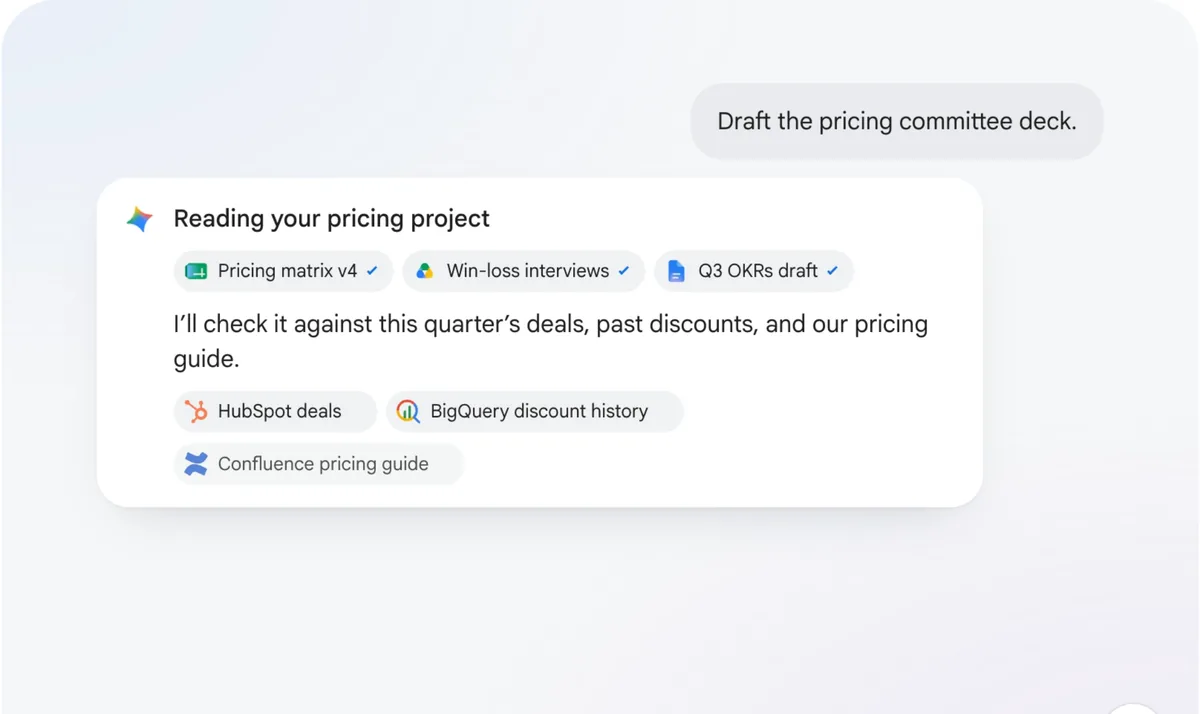
On top of search sits a set of agents. Google provides a prebuilt Deep Research agent that explores complex topics for the employee16, and a Data Insights Agent that is offered in preview for Standard and Plus17. Partner-built agents can be found in Agent Marketplace18. Employees can also create their own custom agents with a no-code workbench19, which places a first level of agent creation in the hands of business users. Google's example prompts show the intended register of the work, such as a request to summarize the best-performing campaigns of the previous year20.
Technical teams have further routes. Standard and Plus customers can publish their own agents built on Agent Platform or the Agent Development Kit directly to the app21. Agents that run elsewhere can be brought in through the Agent-to-Agent protocol22. Taken together, these routes describe a product that hosts agents of different origins behind one employee interface, which is a sensible design for a company that already has some agent work under way.
The product is sold in several editions for different needs23. Business is aimed at small businesses and teams of up to 30024. Standard and Plus add higher quota, unlimited seats, access to third-party agents and Gemini Code Assist25. Frontline is meant for frontline workers26, and Standard and Plus customers can purchase it as an add-on27. Government and education institutions are offered tailored packages28. The documentation reflects this split as well: the main documentation covers Standard, Plus, Pay-as-you-go and Frontline, while Business has its own help center29.
Implementation and getting started
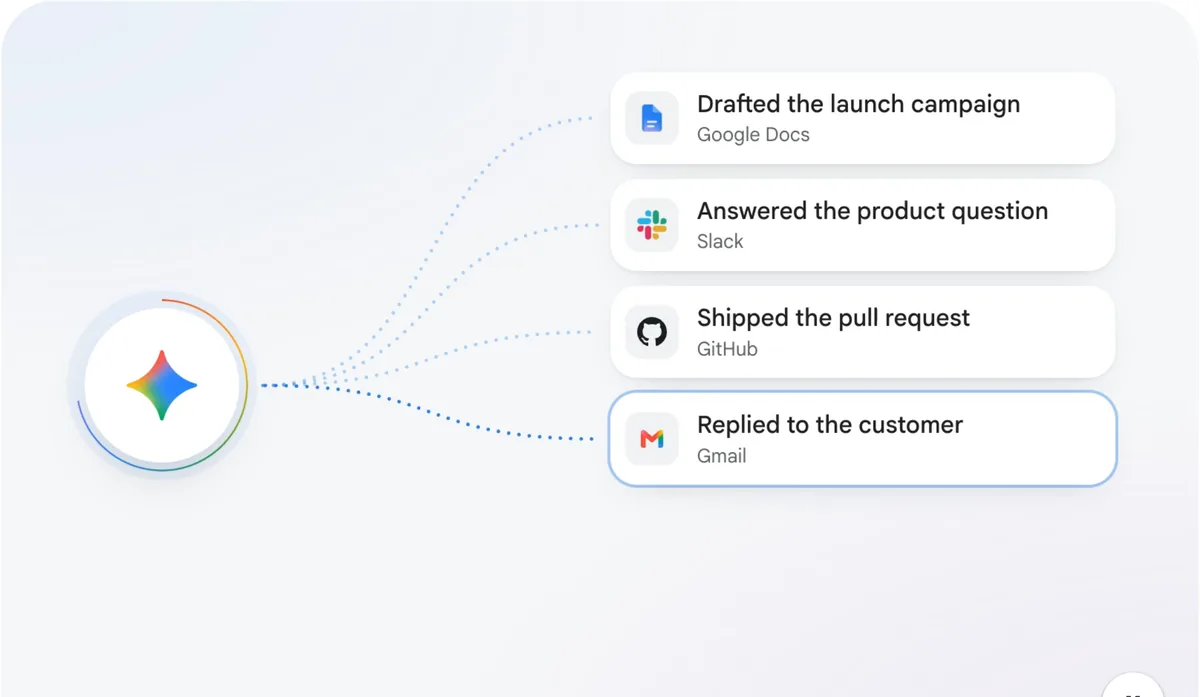
Google Gemini Enterprise: Gemini agent linked to finished tasks in Google Docs, Slack, GitHub and Gmail. Source: cloud.google.com/gemini-enterprise, checked November 9, 2026.
Google documents the licensing path in clear stages. An organization first buys a subscription to a product edition for its billing account30, then allocates licenses from that subscription to specific projects and locations31, and finally assigns them to users, automatically or manually32. Before assignment, administrators must grant at least the Gemini Enterprise User role to the people who will be licensed33.
Three details in this sequence deserve attention during planning. Licenses are specific to a Google Cloud project and a location34, so a company that intends to serve several regions should map its projects before it counts seats. Subscriptions are specific to a billing account35, which ties the commercial structure to the way the Google Cloud estate is organized. And seat subscriptions can be monthly or year-long36, while the Cloud console applies a cap to the seat quantity of a seat subscription37. A large rollout should confirm early how that cap applies to its own billing account.
The Business edition takes a shorter route. An account is created with a work email38, and the edition is a SaaS application reached at business.gemini.google39. It has no project numbers or project-level IAM roles to manage40. For a team without a Google Cloud administrator this is a real simplification.
Evaluation is straightforward. Google's landing page offers the Plus edition at no cost for 30 days without sales assistance41. The FAQ says Standard or Plus can be tried free for 30 days42, and the Business page offers the same period for Business43. This is a clear strength, because a team can test its own documents and questions before any commercial discussion.
The pages used for this profile concern licensing and access. Delivery support, named implementation partners and a typical time to production were outside what we collected, so a buyer who needs hands-on help should raise those subjects directly with Google Cloud sales.
Integrations
The connector story is broad and leans toward the applications large companies already run. The documentation names Confluence, Jira, Microsoft SharePoint and ServiceNow among the prebuilt connectors44. The Business page lists connections to Microsoft 365, Google Workspace, HubSpot and Notion45. Google Workspace connectors sync Drive, Calendar, Gmail and Groups in real time46, which is a natural advantage for companies that already work in Google's suite.
For structured data, a BigQuery federated data connector is available among the Data Cloud connectors47. In federated mode, customer data stays in place48, and that matters to data teams that prefer to query a source where it lives. Companies should still map each connector against their own estate, since the named lists above are examples drawn from Google's pages and a connector that is absent from them may simply be described elsewhere in the documentation.
For third-party connectors, Google recommends Workforce Identity Federation49. Those connectors use public endpoints outside Google's network50, a point that a security architect should read before approving the data flow.
Security and certifications
Google publishes considerable detail on security. Its compliance page covers Standard, Plus and Notebook Enterprise51, and the certifications it lists include HIPAA, FedRAMP, ISO 27001, SOC 1, 2 and 3, and PCI DSS52. Since that list is a general one that points to Google's security pages, a buyer in a regulated sector should confirm each certification against the specific product and edition under consideration.
Encryption options are extensive. Customer-managed encryption keys are supported53, in Standard and Plus through Cloud Key Management Service54, and external key manager and hardware security module options are supported as well55. There is one regional condition: CMEK and Access Transparency are not supported in the global region56. A company that needs those controls should plan its deployment in a specific region from the beginning.
Access is controlled through Cloud IAM for provisioned administrators and users57. Model Armor is included in all editions of the app58, and it inspects prompts and tool responses in real time to block prompt injection59. Sensitive Data Protection can stop sensitive data from being ingested or indexed from connectors60. It can be used with all editions except Business61, and it supports the global, EU and US multi-regions62.
On model training, Google's statements are direct. Prompts, responses and connected enterprise data are not used to train Google's foundation models4, and customer data stays isolated within the customer's Google Cloud project63. The Business page makes the equivalent commitment for prompts, outputs and training data in that edition64, and Google's comparison table sets the enterprise position apart from consumer Gemini65.
Governance and control
Governance is split across the app and the Agent Platform. Google says the app gives organizations a single pane of glass to centrally govern all agents across teams66. Enterprise editions are administered with IAM, Workforce Identity Federation and source-system access control lists67. In the Business edition, the controls are simpler: administrators can add or remove team members and control access to connectors68.
The Agent Platform documentation goes further into the mechanics of agent control. Each agent gets a unique identity in the form of a SPIFFE ID69, and those agent identities are secured by default with Context-Aware Access70. Agent Gateway acts as the main entry and exit point for agent traffic71. Rules for how agents use tools can be written in plain language72. For an architecture team, this combination of identity, a traffic control point and written rules is a concrete model to evaluate.
Usage can be governed too. Feature quotas are pooled per edition, with storage as the exception73, and administrators can turn on a single-user quota limit74 when a few heavy users would otherwise consume the shared pool.
Deployment and data handling
Gemini Enterprise supports the data residency options us, eu and global3, and Standard and Plus let customers keep data in the region they choose75. Enterprise editions also support Access Transparency and Cloud Audit Logs76. European buyers will want to pair the residency choice with the regional condition on CMEK described above, since the two decisions depend on each other.
Deletion and retention are stated in specific terms. Gemini Enterprise deletes user-requested data within 60 days77. On the Agent Platform side, Google says it does not train on customer data without prior permission or instruction78. Customer data is retained for limited periods for Models as a Service79, request-response logging is off by default80, and Grounding with Google Search keeps stored logs for up to three days81. A data protection officer can work from these statements directly, and should record which of them apply to the components actually chosen.
Because the product is delivered as SaaS, customers cannot add custom network controls directly on the service82. Companies with strict network policies should therefore discuss the design with Google before committing. Storage and data indexing quotas are pooled across all editions in a project and location83, which makes capacity a shared concern for any company that runs several editions side by side.
Pricing and commercial terms
Only part of the price list could be confirmed. The Business edition starts at $21 per seat per month84. Standard and Plus per-seat prices are not publicly stated on the pages we opened, and the pricing URL returned a page-not-found body85. A buyer planning for those editions will need a quote from Google Cloud.
The commercial structure itself is well documented. Next to seat licensing, a Pay-as-you-go subscription has no license fee86 and is billed monthly for what is consumed87. Partner model usage is also billed as pay-as-you-go usage88, so a seat budget may not capture the whole cost of a deployment that relies on partner models. Prepaid credits are generally available for self-serve billing accounts89. Gemini Notebook Enterprise can be bought by subscription for up to 5,000 licenses90, which gives a team a way to begin with the research assistant alone.
Daily quotas shape the value of a seat. In Google's worked examples, a Standard license gives 160 Assistant queries per day91 and a Plus license gives 20092. Buyers should compare those numbers with the expected use of their heaviest teams.
Where Gemini Enterprise fits
Google names knowledge workers in sales, marketing, finance, HR and IT or engineering as users93. The Business page gives small-team examples that include tracking inventory and automating purchase orders94, drafting customer communications95 and onboarding new hires with Gemini Notebook96.
From the sources, the strongest fit appears to be an organization that already uses Google Cloud or Google Workspace, wants one permissions-aware search and assistant surface for its employees, and has an administrator who can work with projects, locations and IAM. Teams of up to 300 without such a person have a simpler entry through the Business edition. Developers who want to build complex agents have the separately purchased Agent Platform.
Where it falls short
The limits below all come from Google's own documentation, and most of them are conditions to plan around. Sensitive Data Protection content policies do not apply to older data stores such as Cloud Storage, BigQuery or websites97, and the service cannot scan encrypted Microsoft files98. Under VPC Service Controls, Data Cloud connectors must be allowed by an organization policy constraint99, and data store creation is blocked unless the connector is explicitly allowed100. These are ordinary controls, but they add configuration work for a security team.
Some commercial changes also need attention. Bundled Gemini Code Assist entitlements for existing Standard and Plus subscriptions end on March 31, 2027101, so a buyer who counts Code Assist as part of the value of those editions should ask what applies after that date. The Data Insights Agent remains in preview17, and a buyer should treat preview functions as subject to change until Google says otherwise.
The product map itself is a cost of entry. Editions, add-ons, a separately sold developer platform, seat licensing and consumption billing all coexist, and each is documented on its own page. A buyer who wants a single commercial answer will need to assemble it.
Verdict
Gemini Enterprise is a strong and well documented option for companies that want enterprise search, an employee assistant and governed agents from a large cloud provider. Its clearest strengths are permissions-aware search, a detailed set of encryption and residency controls, explicit statements on model training, free trials and a concrete agent governance model. Its main constraints are the regional condition on key management, the absence of confirmed Standard and Plus prices on the pages we opened, and a licensing structure that rewards careful planning. Begin by separating the employee app from the developer platform in your budget. During the trial, test your actual connectors, document permissions and regional requirements, then obtain a quote that includes seats, consumption and any partner models.
What buyers should test
We distinguish dated supplier documents, direct company confirmations and our own analysis. Documentation tells us what a supplier says; it does not prove how the product performs. Where the evidence leaves a question unanswered, we explain what your buying team still needs to ask.
Help with the build
Not established
Who will set up the sources, licenses, user access and custom agents for your rollout?Ask the supplier to answer this for your purchase. Our research has not established the answer.
Evidence
Which setup tasks are included, and which need your own Google Cloud administrators?
Ask who handles discovery, setup, testing, support and changes, and what your team must have ready first.
Your existing systems
Documented
Google lists prebuilt connections for Confluence, Jira, SharePoint and ServiceNow.1This is the supplier’s statement in material checked November 8, 2026. We have not tested it ourselves.
Evidence
Does your edition support the connection mode and actions you need, or only search?
Ask to see the records and actions you need. Check sign-in, permissions, limits, custom work and who maintains each connection.
Checks you can see
Documented
Google describes Gemini Enterprise working under existing user permissions and keeping a complete audit trail.2This is the supplier’s statement in material checked November 8, 2026. We have not tested it ourselves.
Evidence
Can the trial show refused access, a changed permission and the audit entry for each?
Request evidence for the exact product. Ask to see access refused, approval requested, permission removed and the resulting action traced.
Where your data goes
Documented
The editions page lists US, EU and global data residency options. Google’s security documentation says enterprise data is not used to train its foundation models.3,4This is the supplier’s statement in material checked November 8, 2026. We have not tested it ourselves.
Evidence
Which edition and region cover each connection, model request, output and log?
Request a diagram of the data’s route, with hosting regions, model providers, retention rules and who gets access.
The full cost
Partly documented
The Gemini Enterprise app and Agent Platform are bought separately. The app is licensed by seat; Agent Platform bills for consumption.5,6,7This is the supplier’s statement in material checked November 8, 2026. We have not tested it ourselves.
Evidence
Does the quote cover both products, partner models, storage and the usage your workflow will need?
Ask for an itemized proposal covering setup, software, usage, support, your own staff’s work, changes and what you receive when the service ends.
Gemini Enterprise app and Gemini Enterprise Agent Platform must be bought separately.. cloud.google.com/gemini-enterprise/faq, checked November 8, 2026.
Gemini Enterprise app is described as an advanced agentic platform for every employee.. cloud.google.com/gemini-enterprise/faq, checked November 8, 2026.
Gemini Notebook Enterprise is an AI-powered research and knowledge assistant used alongside Gemini Enterprise.. docs.cloud.google.com/gemini/enterprise/docs, checked November 8, 2026.
Standard and Plus customers can publish their own agents built on Agent Platform or ADK.. cloud.google.com/gemini-enterprise/faq, checked November 8, 2026.
Standard and Plus add higher quota, unlimited seats, third-party agents and Gemini Code Assist.. cloud.google.com/gemini-enterprise/faq, checked November 8, 2026.
The Gemini Enterprise app gives one pane of glass to centrally govern all agents across teams.. cloud.google.com/gemini-enterprise/faq, checked November 8, 2026.
Standard and Plus per-seat prices are not publicly stated on the pages opened. The pricing URL returned a 404 page body.. cloud.google.com/gemini-enterprise/pricing, checked November 8, 2026.
Knowledge workers in sales, marketing, finance, HR and IT or engineering are named as users.. cloud.google.com/gemini-enterprise/faq, checked November 8, 2026.